
Technology
From field markings to digital records
Paint fades, flags get pulled and stakes get knocked over. Peak uses RTK/GNSS capture to turn temporary field markings into project documentation the client can still use after the marks are gone — as part of the locate, not as an add-on.
Workflow
Locate. Mark. Capture. Verify. Deliver.
Each step feeds the next. Data is captured during the locate visit, not reconstructed afterwards, and checked against the field markings before it is released.
- 01
Locate
Professional locating equipment traces conductive facilities and identifies what can be located in the work area. What cannot be located is noted, not guessed.
- 02
Mark
Findings are marked on the ground for the crew doing the work. The physical locate remains the primary record at site.
- 03
Capture
During the same visit, markings and relevant features are captured with RTK/GNSS positioning, together with sketches, notes and photos.
- 04
Verify
Captured data is reviewed for completeness and checked against the field markings before anything is released.
- 05
Deliver
Records are issued in the formats the project needs: digital sketches and maps, KML, SHP, CAD-compatible data and supporting documentation.
Integrated capability
Part of the locate, not an add-on
RTK/GNSS capture isn’t a separate service to order. It is how Peak performs and documents locating work wherever a lasting record is useful.
Once facilities are located and marked, crews capture the markings and relevant site features with RTK/GNSS equipment during the same visit, alongside sketches, notes and photos. The captured data is reviewed before it is delivered, so the digital record matches what was marked in the field.
Positional quality depends on satellite visibility, correction availability and site conditions, and each record reflects the conditions under which it was collected.
Where it’s used
- SUE Utility Locating Located and marked facilities captured during the locate visit, so the record outlasts the paint.
- Private Utility Locating Undocumented private lines turned into a sketch or map the property owner can keep.
- Oil & Gas / ROW Lines, crossings, depth-of-cover points and facility features tied to position on leases and rights-of-way.
- Audit & Investigation Recorded positions used as a fixed reference when reviewing a locate or supporting an investigation.
Outputs
What clients receive
Formats are agreed per project. The goal is data that opens in the tools the client already uses — not every job needs every format.
-
KML / KMZ
Opens in Google Earth and common map viewers — useful on a phone or laptop at site.
-
Shapefile
Loads into GIS environments used by utilities, municipalities and operators.
-
CAD-compatible data
For design teams referencing located facilities in drawings.
-
Digital sketches & maps
Readable locate sketches and site maps for the project file.
-
Photos & documentation
Site photos and field notes tied to the locate record.
GPS data captured during the locate provides a digital record of utility markings and relevant site features. Using RTK/GNSS technology, we strive to maintain accuracy within 3 cm for captured data points. These records support project documentation and future reference, but are not intended to replace legal, cadastral, or engineering surveys.
In the field
Tools, used properly
Good equipment in untrained hands produces confident-looking data that is wrong. Our locators are trained on the equipment and the process, and field records are checked.
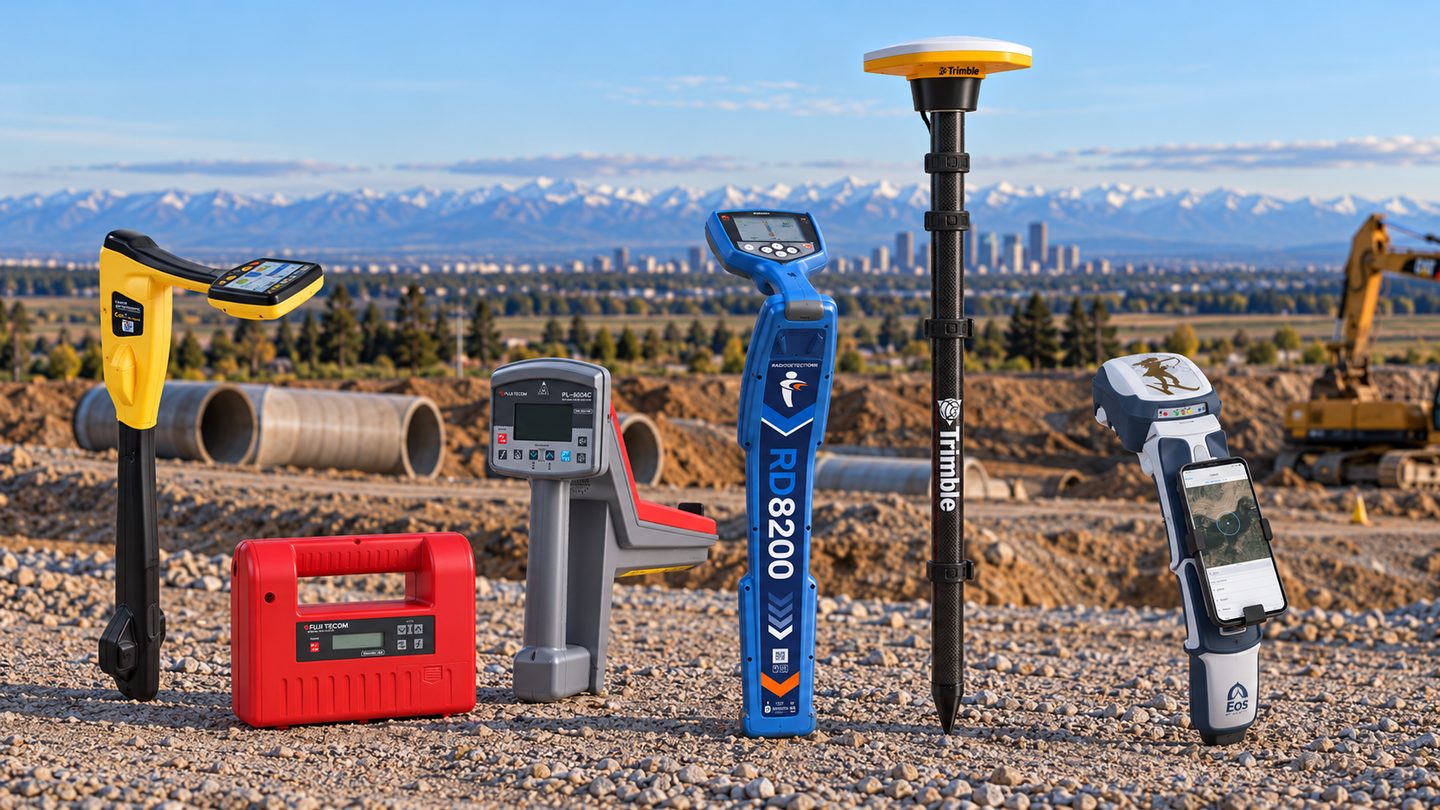
- Professional utility locating equipment
- Transmitters and receivers suited to the facility types and site conditions encountered, used by trained locators.
- RTK/GNSS positioning
- Real-time kinematic GNSS positioning for capturing markings and site features during the locate visit.
- Trimble DA2
- Trimble DA2 GNSS receivers used with field data-collection software to capture positions at site.
- Digital field documentation
- Structured digital records in place of loose paper, so sketches, notes, photos and positions stay together.
PeakField
Our own field-management platform
PeakField is Peak Locating’s internally developed field-management platform. It supports how our crews receive, complete and document locate work, and helps keep field records consistent from one job to the next.
PeakField is an internal operations tool and is not offered as a public product.
Need a locate on record?
Tell us what you need located and how you plan to use the information. We’ll recommend the records and formats that fit.